Help visitors find the right service, book a visit, or request a quote. Add AI chat to the website you already have, so the next step is always within reach.
Start with a free account. Website embedding requires an eligible paid plan.
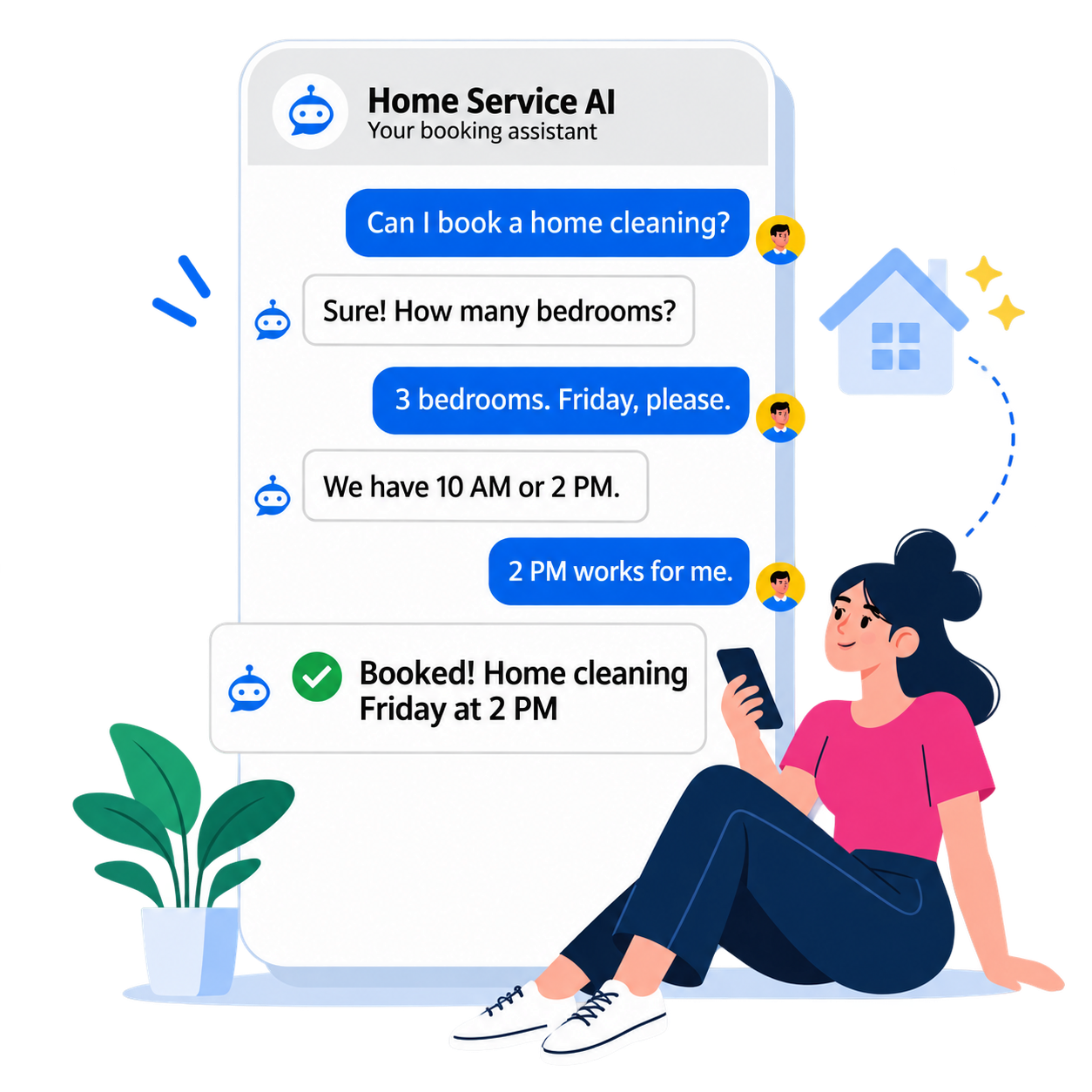
Illustrative conversation. Customers complete the booking form to submit their request.
Keep your existing websiteChat or book directlyBookings and quote requests
A conversation. A service. A next step.
What is an AI booking assistant?
An AI booking assistant is a website chatbot that helps visitors describe a job, find a service, and move to a booking or quote form. With Fieldbookly, your customer reviews the details and submits the request.
01 / AI website chat
Give every question a way forward.
“Can you help with a leaking tap?” Visitors can ask in their own words. The assistant helps them find a relevant service without searching through your website.
Your Book Now button stays available. Chat is a choice, not a required step.
Open a booking form with service photos, prices, and eligible offers. Customers choose the work they need, then complete their booking using your configured availability.
Visitors can go straight to the form or switch from chat when they are ready.
For work that needs an assessment, the assistant opens the quote request form. Service-specific questions collect the job details your team needs before agreeing on a price or appointment.
A quote request is not a confirmed booking. You decide what happens next.
Actual Fieldbookly screens with fictional services and example offers.
See it on a service business website
Follow the customer’s next step.
Inside the experience
From website chat to the right form.
A conversation on their website.A visitor describes the problem. The assistant offers a relevant next step, while Book Now remains available.Actual Fieldbookly interface. Fictional business and example conversation; no booking was submitted.View full-size desktop capture
01 / 03 Chat
Bring it to your business
How to add AI booking chat to your website.
01
Build your booking page
Add your services, availability, and service area. Decide what can be booked and what needs a quote.
02
Enable Form with chat
Choose the conversational booking experience in your online booking settings.
03
Install and test your embed
Add the script once per website page, then test chat, form links, and booking on desktop and mobile.
Payment processor fees apply. Additional Team members are billed separately; see the full plan comparison for limits and rates.
Before you add it
AI website booking, explained.
What is an AI booking assistant for a service business?
An AI booking assistant is a website chatbot that helps visitors describe a job, find a relevant service, and move to online booking or a quote request. With Fieldbookly, the customer reviews their details and submits the form; the chat does not confirm a booking on their behalf.
Can I add the AI chat widget to my existing website?
Yes. With an eligible website-embedding plan and Form with chat enabled, add the Fieldbookly script to your website. It displays a floating chat launcher alongside your existing Book Now button or embedded form. Your website builder must allow scripts on the host page; a sandboxed embed block may limit where the chat can appear.
Does it work with WordPress, Wix, or Squarespace?
It can work on sites that allow the required custom script and iframe. Your website-builder plan and security settings determine whether you can install it across the site. Check those permissions before upgrading or launching a campaign.
Does the AI chat complete the booking for the customer?
The assistant guides the visitor to a service and opens the booking or quote form. The customer completes and submits that form. Bookable services use your configured availability; a quote request is not a confirmed appointment or an agreed final price.
Can customers still book without using chat?
Yes. Your Book Now button and service-selection form still work. Visitors can switch from chat to the form, so the assistant adds a conversational option without making it mandatory.
Can it help visitors outside business hours?
Visitors can use the online chat and booking flow outside your office hours, subject to service availability. Appointment times follow your booking settings. This does not mean that your team offers immediate service or emergency attendance.
Is the website chat widget included in the free plan?
Fieldbookly has a free starting plan, but website embedding requires an eligible paid plan. AI availability and usage limits depend on your subscription and configuration. Check current pricing before choosing a plan.
Make your website part of the team
You bring the expertise. Give customers a way to book it.
Start your Fieldbookly account, set up your booking page, and choose a plan that brings AI-assisted booking to your website.