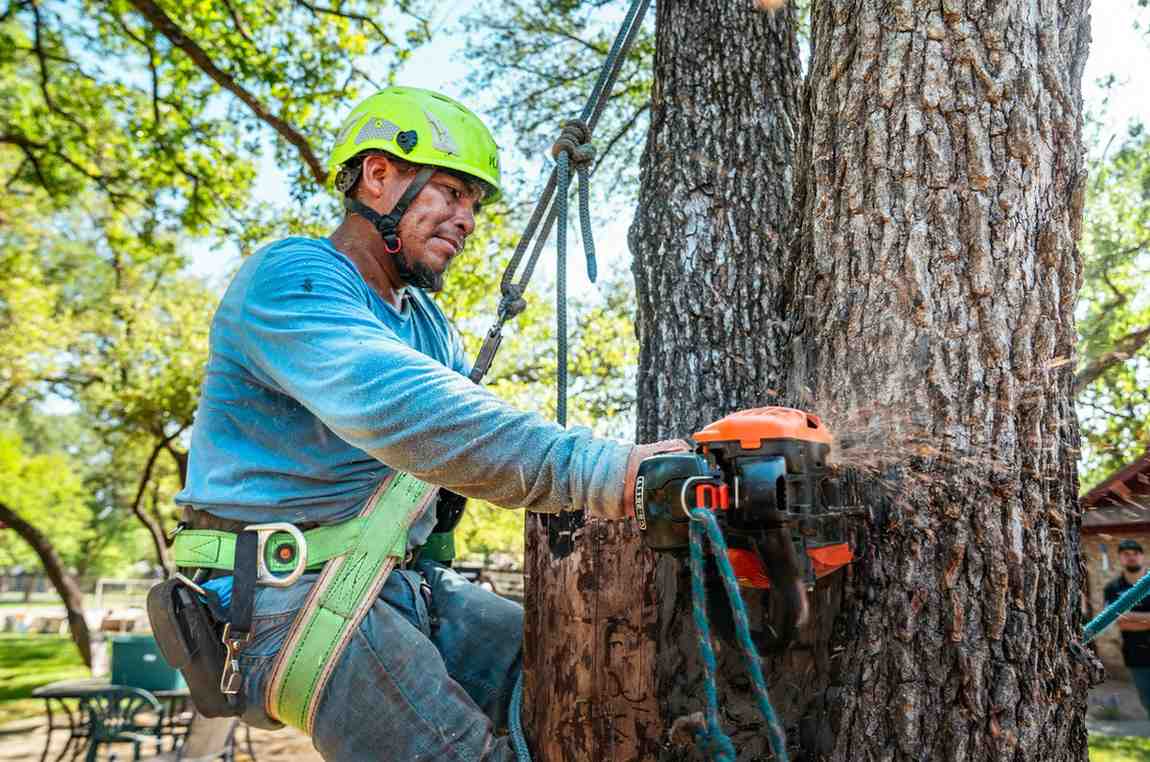
How Tree Service Businesses Use Fieldbookly to Book More Jobs
Tree service is a tough business to schedule. Jobs are weather-dependent, every property is different, equipment moves between sites, and most quotes need a site visit before you can give a real number. Add in seasonal demand spikes after storms — and the phone never stops ringing when you're 40 feet up a maple.
This guide is a straight, factual walkthrough of how a tree service business — solo arborist or small crew — uses Fieldbookly to handle online booking, estimates, scheduling, dispatch, and invoicing in one place. No marketing fluff. Just what the software does and how to set it up.
Fieldbookly is free forever. No credit card, no trial, no per-job fees. You can sign up in 3 minutes and start taking online bookings the same day.
What Fieldbookly Does for Tree Service
Fieldbookly is a booking and field-service tool built for solo operators and small crews. For a tree service business, it covers:
- A public booking page at
your-business.fieldbookly.comwhere homeowners can request work 24/7. - Service definitions for tree removal, trimming, stump grinding, emergency storm work, etc. — each with its own price type (fixed, hourly, or quote).
- Scheduling with travel time and crew availability.
- Quote generation with multiple options (good / better / best) so homeowners can compare.
- Photo uploads so customers can send pictures of the tree before you drive out.
- Online payments and invoicing.
- Customer records so repeat work and seasonal pruning is tracked automatically.
Everything works from your phone. Nothing needs to be installed.
Setting Up Your Tree Service Business in Fieldbookly
Step 1: Pick "Tree Service" as your industry
When you sign up, the onboarding wizard asks what kind of business you run. Pick Tree Service from the list. Fieldbookly preloads your account with relevant service templates — tree removal, trimming, stump grinding — so you don't start from a blank screen.
Step 2: Add your services
Most tree service businesses charge in one of three ways:
- Fixed price — for predictable jobs like stump grinding under a certain diameter.
- Hourly — for general yard cleanup or labor by the day.
- Quote on site — for anything involving climbing, big removals, or proximity to power lines.
Fieldbookly supports all three on the same booking page. You can list "Stump Grinding" as a fixed-price item, "Yard Cleanup" as hourly, and "Tree Removal" as quote-on-site. The customer picks one, fills in the form, and you decide how to respond.
Step 3: Set up service questions
Every tree job is different, and a vague booking is useless. Fieldbookly lets you add custom fields to each service so you collect the info you actually need before driving out. For tree service, the useful ones are:
- Approximate tree height
- Tree species (if known)
- Distance from house, fence, or power lines
- Access for chipper/truck (driveway? backyard only? gated?)
- Power lines overhead — yes/no
- Photo upload (this one alone saves you hours)
The booking page renders these as a clean form. The customer fills them in, and you get the answers in your dashboard before you respond.
Step 4: Define your service area and travel time
Tree service is high-equipment, low-margin per mile. Driving an hour for a $200 job loses money. In Fieldbookly you can:
- Set a service radius from your home base.
- Add travel time per booking so back-to-back jobs don't overlap.
- Block out specific zip codes you don't service.
This stops you from accepting jobs on the wrong side of town.
How Customers Actually Book You
Once your services are set up, your booking page lives at your-business.fieldbookly.com. You share that link in your Google Business Profile, Facebook page, business cards, lawn signs, and email signature.
A homeowner finds you, clicks the link, and sees:
- Pick a service — Tree Removal, Trimming, Stump Grinding, Emergency, etc.
- Answer the questions — height, location, photos.
- Pick a time — they see your real availability.
- Confirm — they enter their name, address, phone.
You get a notification on your phone immediately. The customer gets an automatic confirmation. No phone tag. No "I'll call you back."
Quoting Tree Jobs in Fieldbookly
Most tree work needs a quote, not a fixed price. Fieldbookly's quote tool is built for this.
Multi-option quotes
For a single job — say, "Remove this dead oak" — you can send three options on one quote:
- Option 1: Removal only ($1,200)
- Option 2: Removal + stump grind ($1,650)
- Option 3: Removal + stump grind + haul-away of all wood ($1,950)
The customer clicks the option they want, and the job converts to a scheduled booking automatically. Multi-option quotes consistently win more jobs because they let the customer upgrade themselves instead of negotiating with you.
Quote from your phone, on site
After you walk the property, you can build the quote on your phone before you leave. Add line items (hours, equipment, dump fees), apply tax, and send. The customer gets it by email or SMS within seconds.
Quote acceptance + deposit
You can require a deposit on quote acceptance — common for big removals. Fieldbookly handles the payment through Stripe. The deposit is yours before you show up.
Scheduling and Crew Dispatch
Once a quote is accepted, the job lands on your schedule. From there:
- Drag and drop to move jobs between days.
- Assign a crew if you have multiple teams.
- Add a chipper or stump grinder as required equipment so two jobs that need the same machine don't get scheduled at the same time.
- Set buffer time between jobs for travel and equipment swaps.
Crew members get the job on their phone — address, customer notes, photos, special instructions, gate code. They don't need to call you to ask "where am I going?"
Handling Storm-Season Surges
Tree service has the most lopsided demand curve of any home service: dead in February, drowning in May after the first windstorm. Fieldbookly handles this two ways:
- Auto-pause bookings when your calendar fills up. New customers see "Currently booking 2 weeks out — request a quote and we'll call you." You don't lose the lead, you just manage their expectation.
- Emergency service tier — define a separate "Emergency / Storm Damage" service with higher pricing and faster availability. Homeowners with a tree on their roof at 11 p.m. need a way to reach you that's different from "schedule a regular trim."
Both keep you sane during the busy season and visible during the slow one.
Invoicing and Getting Paid
After the job is done, the invoice is one tap. Pre-filled with the quote, services rendered, materials, and tax. You can:
- Send by email or SMS link.
- Accept online card payment (Stripe).
- Mark cash or e-transfer as paid manually.
- Auto-send reminders if it goes unpaid past 7 days.
Most one-person operations cut their accounts-receivable by 30–50% just by sending the invoice the same day instead of "when I get to the paperwork."
Recurring Maintenance
A surprising amount of tree service revenue is repeat work — annual pruning, seasonal cleanups, year-round maintenance for commercial properties. Fieldbookly supports recurring bookings, so a customer who wants quarterly hedge work or annual fruit-tree pruning is scheduled automatically without you having to remember.
This is where most tree service businesses miss money. A good annual pruning route is steady cash flow on slow days. Setting it up once in Fieldbookly means it shows up on your calendar every year without you lifting a finger.
What It Costs
Fieldbookly is free forever. There is a paid tier with extra features (multi-user permissions, advanced reporting, etc.) but the core booking, quoting, scheduling, and invoicing for a solo operator or small crew is free.
There are no per-booking fees, no transaction percentages on top of Stripe's standard rate, and no required credit card on file.
Setting Up — Realistic Time Investment
| Task | Time |
|---|---|
| Sign up and pick "Tree Service" | 3 minutes |
| Add 4-6 services with prices and questions | 20-30 minutes |
| Connect Stripe for online payments | 5 minutes |
| Set service area and working hours | 5 minutes |
| Customize your booking page (logo, colors) | 10 minutes |
| Test by booking yourself | 5 minutes |
| Total to "first real customer can book me" | ~1 hour |
You can do this on a Sunday evening and be live Monday morning.
Where Fieldbookly Fits vs. Other Tools
Fieldbookly is built for solo operators and small crews. If you have 30 trucks and a dispatcher, you should be using ServiceTitan or Aspire and you can stop reading.
If you're a 1-3 person tree service business currently running on:
- A whiteboard and text messages
- A free Calendly + handwritten quotes
- A spreadsheet and a Square invoice now and then
- Nothing — just word of mouth and phone calls
Fieldbookly will replace all of that without costing you anything.
Get Started
Go to fieldbookly.com and sign up. Pick "Tree Service" as your industry. Spend an hour setting up your services. Share your booking page link.
Stop missing calls when you're 40 feet up. Let the homeowner book themselves.
Tagged with